
MotivHaus
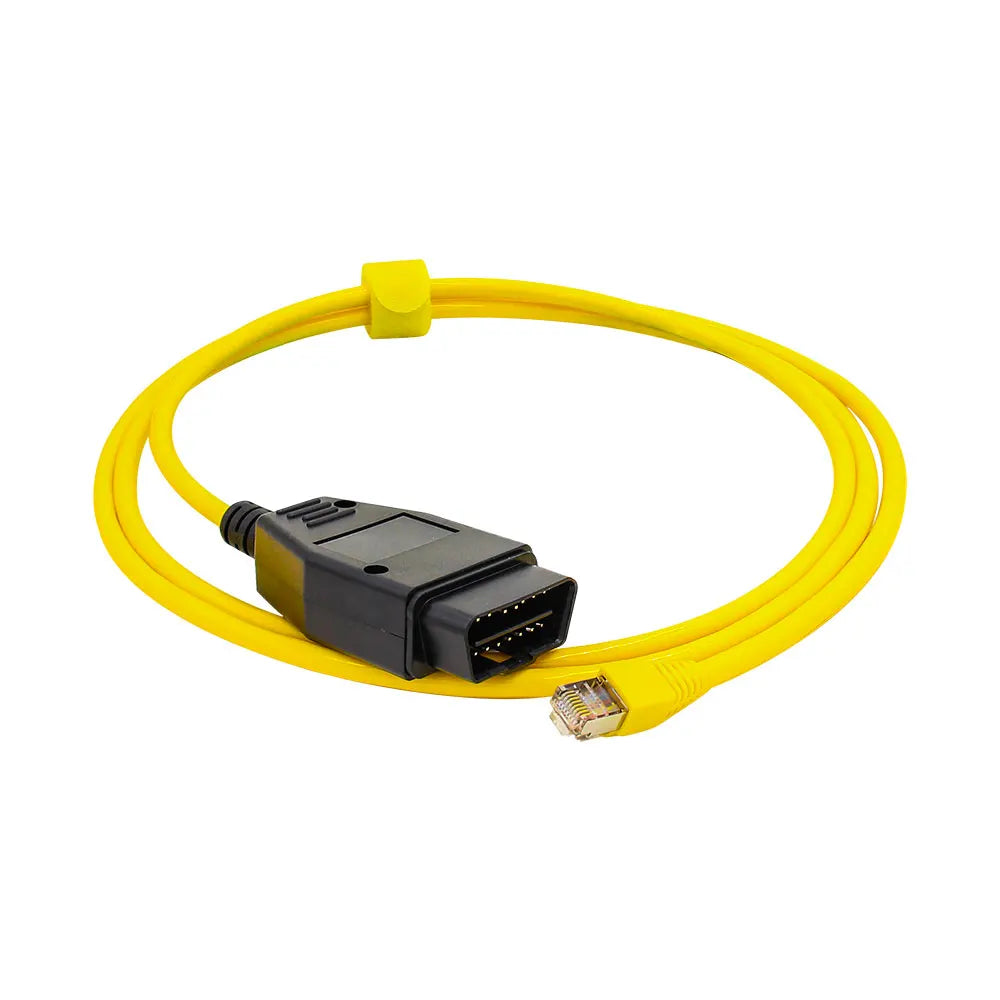
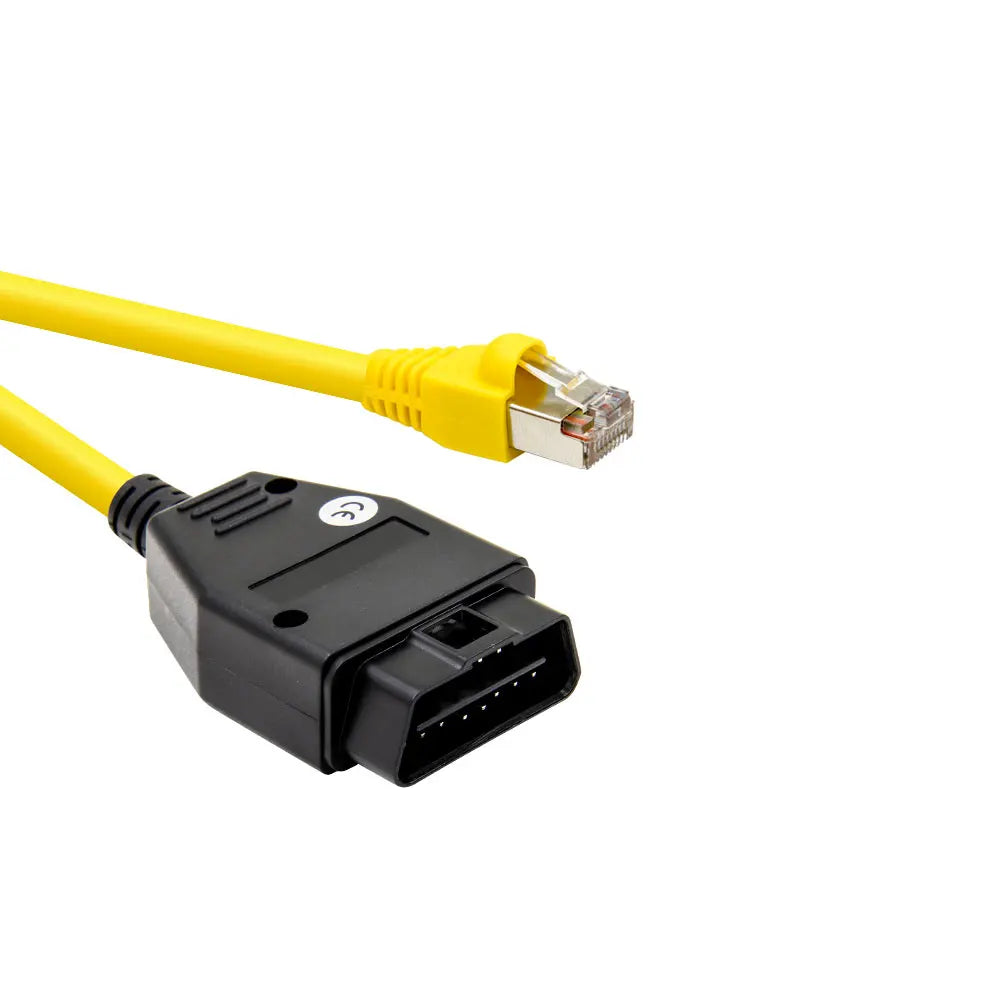
BMW ENET Coding Cable – Ethernet to OBD2 Adapter for F-Series & G-Series (BimmerCode/BimmerLink/ESYS)
BMW ENET Coding Cable – Ethernet to OBD2 Adapter for F-Series & G-Series (BimmerCode/BimmerLink/ESYS)
Couldn't load pickup availability
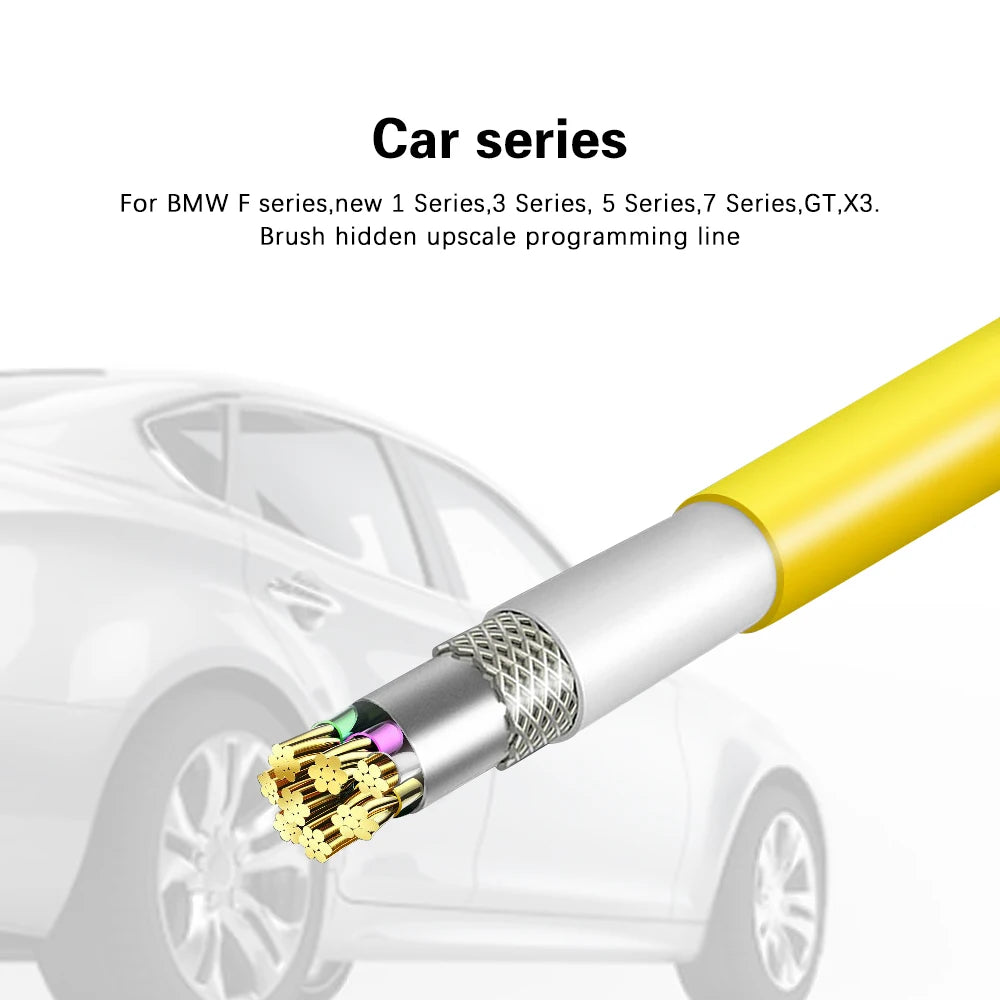
Unlock advanced coding, diagnostics, and customization features on your BMW with this ENET Ethernet-to-OBD2 adapter. Designed specifically for BMW F-Series and many G-Series models, this cable enables fast, stable communication with coding and diagnostic software such as ESYS, BimmerCode (Expert Mode), BimmerLink, and ISTA.
Features
-
High-speed ENET cable for BMW coding and diagnostics
-
Enables custom coding such as digital speed display, video in motion, start/stop memory, lighting options, sound confirmation, and more
-
Supports reading and clearing fault codes using apps like BimmerLink
-
Compatible with ESYS 3.23.4, V50.3 data, and similar versions
-
Stable connection for flashing, VO coding, and module programming
-
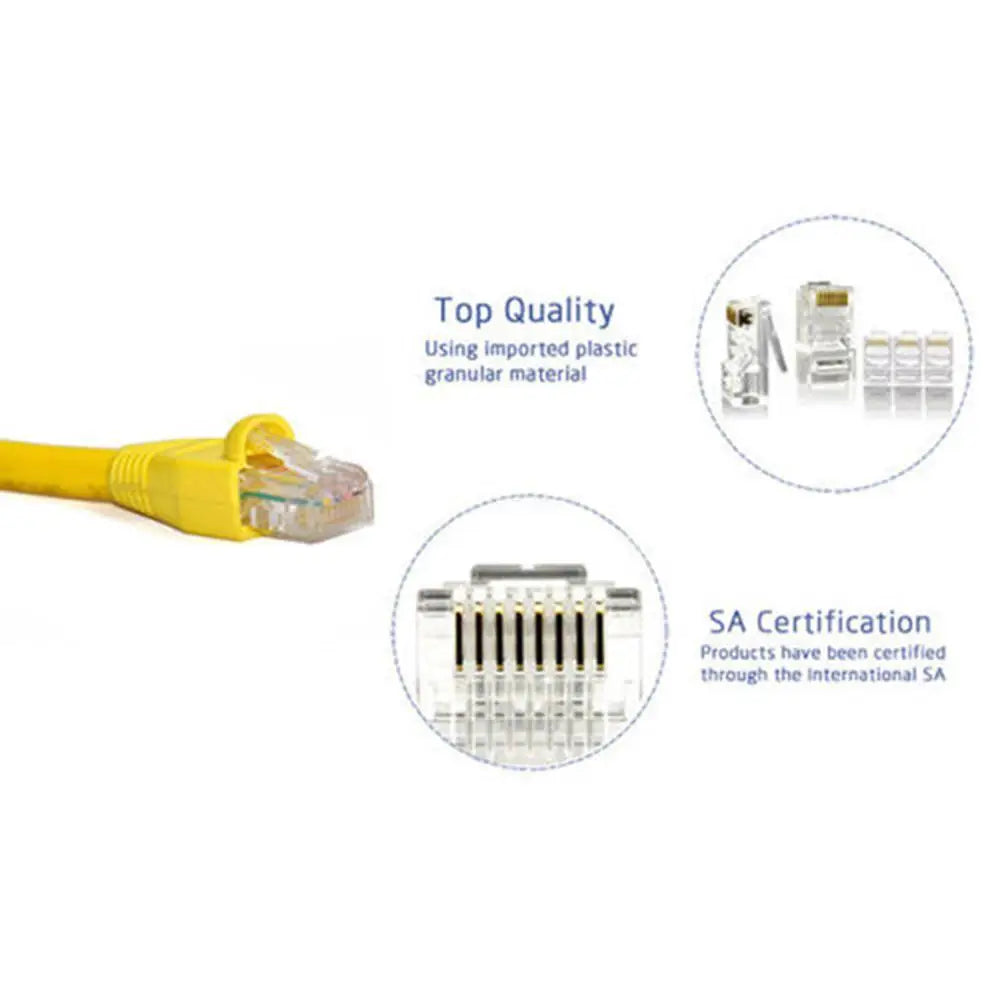
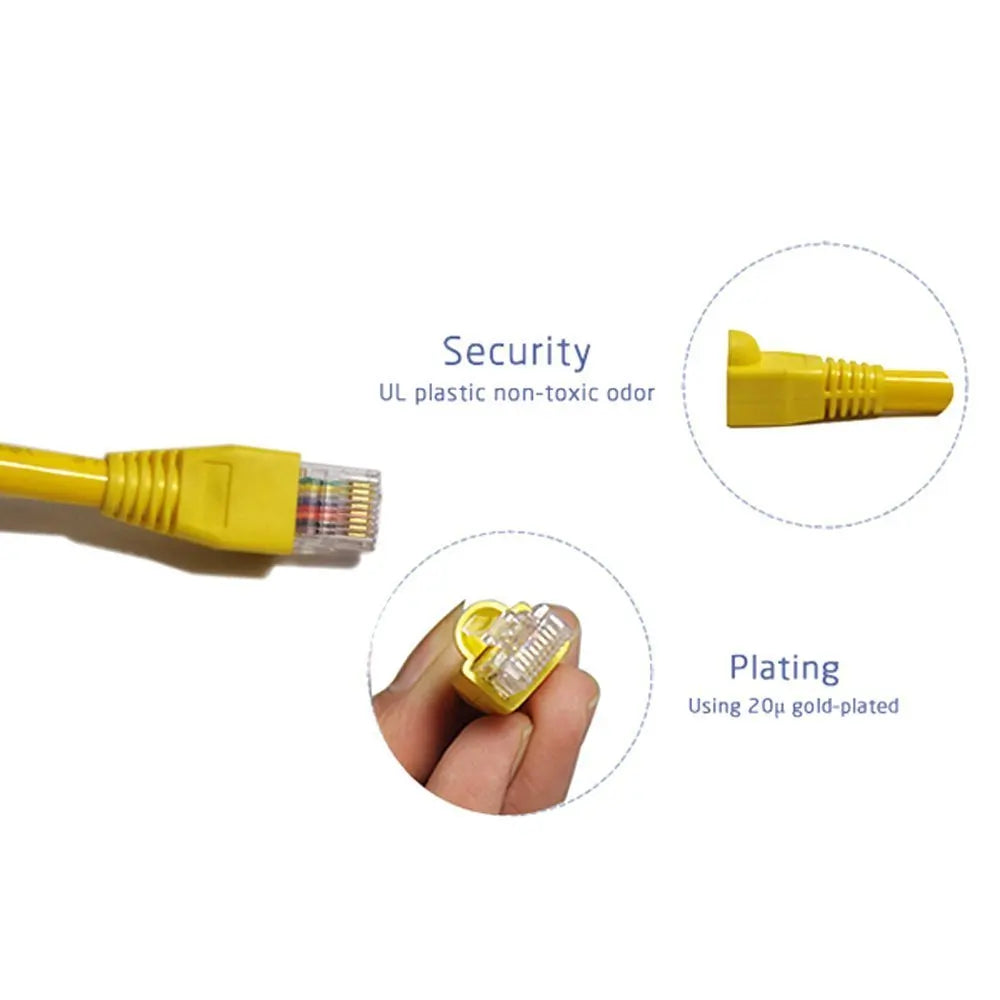
Durable build with reinforced Ethernet connector
-
Plug-and-play design; no external power needed
Compatible BMW Models
Supports most BMW vehicles with an Ethernet-based OBD2 port, including:
F-Series
-
1-Series: F20, F21
-
2-Series: F22, F23
-
3-Series: F30, F31, F34
-
4-Series: F32, F33, F36
-
5-Series: F10, F11
-
7-Series: F01, F02
-
X-Series: F15, F16
-
M-Series: F80, F82, F83
G-Series (select models using ENET)
-
Some G-Series use ENET for coding; verify your model’s support before ordering.
Software Compatibility
Fully compatible with major BMW tuning and coding apps:
-
BimmerCode (Full Mode + Expert Mode)
-
BimmerLink (Diagnostics / Live Data)
-
ESYS (VO coding, flashing, programming)
-
ISTA+ / ISTA-D (Dealer-level diagnostics)
What You Can Code
Using BimmerCode/ESYS, users commonly activate:
-
Start/stop memory
-
Digital speedometer
-
Automatic folding mirrors
-
Enhanced lighting features
-
Lock/unlock sound confirmation
-
M-style dash themes (model dependent)
-
Video in motion
-
Comfort closing
-
And more
Installation
-
Plug OBD2 connector into your BMW
-
Plug Ethernet connector into your laptop or phone adapter
-
Open your coding/diagnostic app
-
Connect and begin coding
Setup time: under 30 seconds.
Shipping
-
Processing time: 1–3 business days
-
Delivery estimate: 7–14 business days
-
Tracking included
-
Free returns within 90 days (supplier policy)
